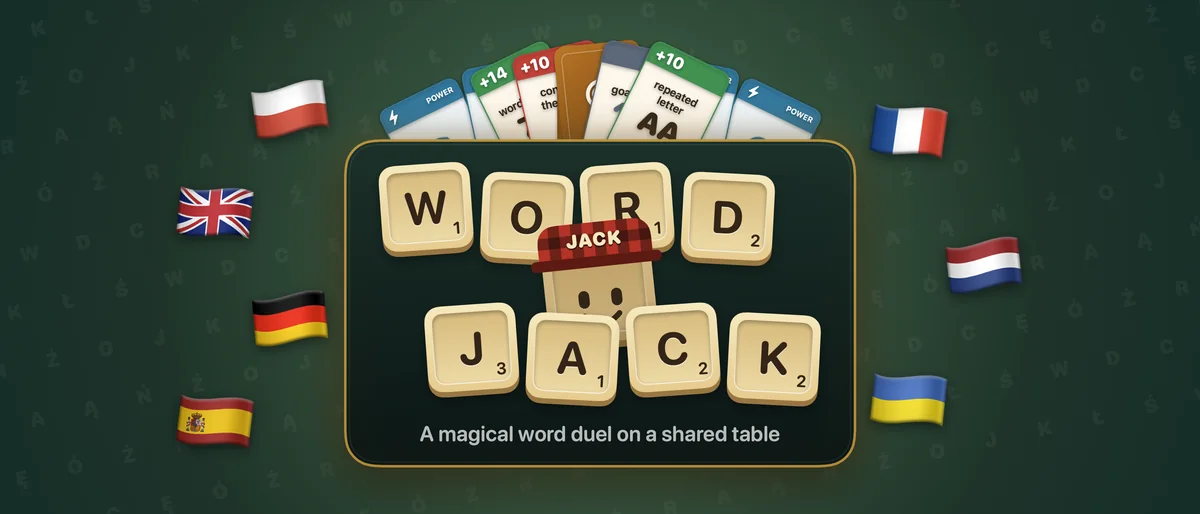


Wordjack - a magical word duel on a shared table, with the flags of seven dictionaries around the logo

Build words from shared letters, score points and change the game with cards. Play on iPhone, iPad, Mac and Apple TV, solo, against bots or with friends, live or turn-based, in any of seven dictionaries.

Download on the App StoreQR code to download Wordjack from the App Store

Free · iPhone, iPad, Mac, Apple TV and Apple Watch · iMessage

See the gallery

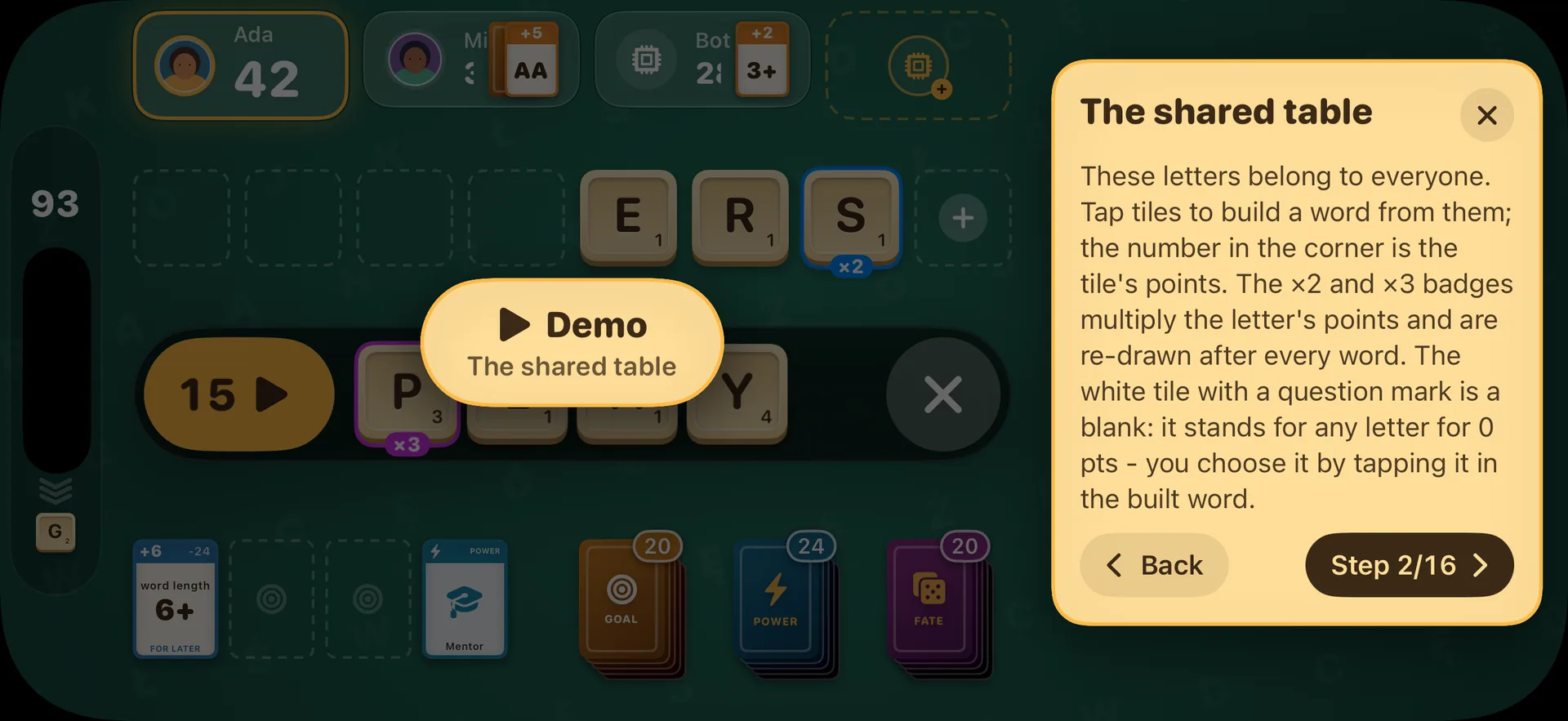
Simple rules, and the game comes with a tutorial and an interactive demo.

  1. Shared letters

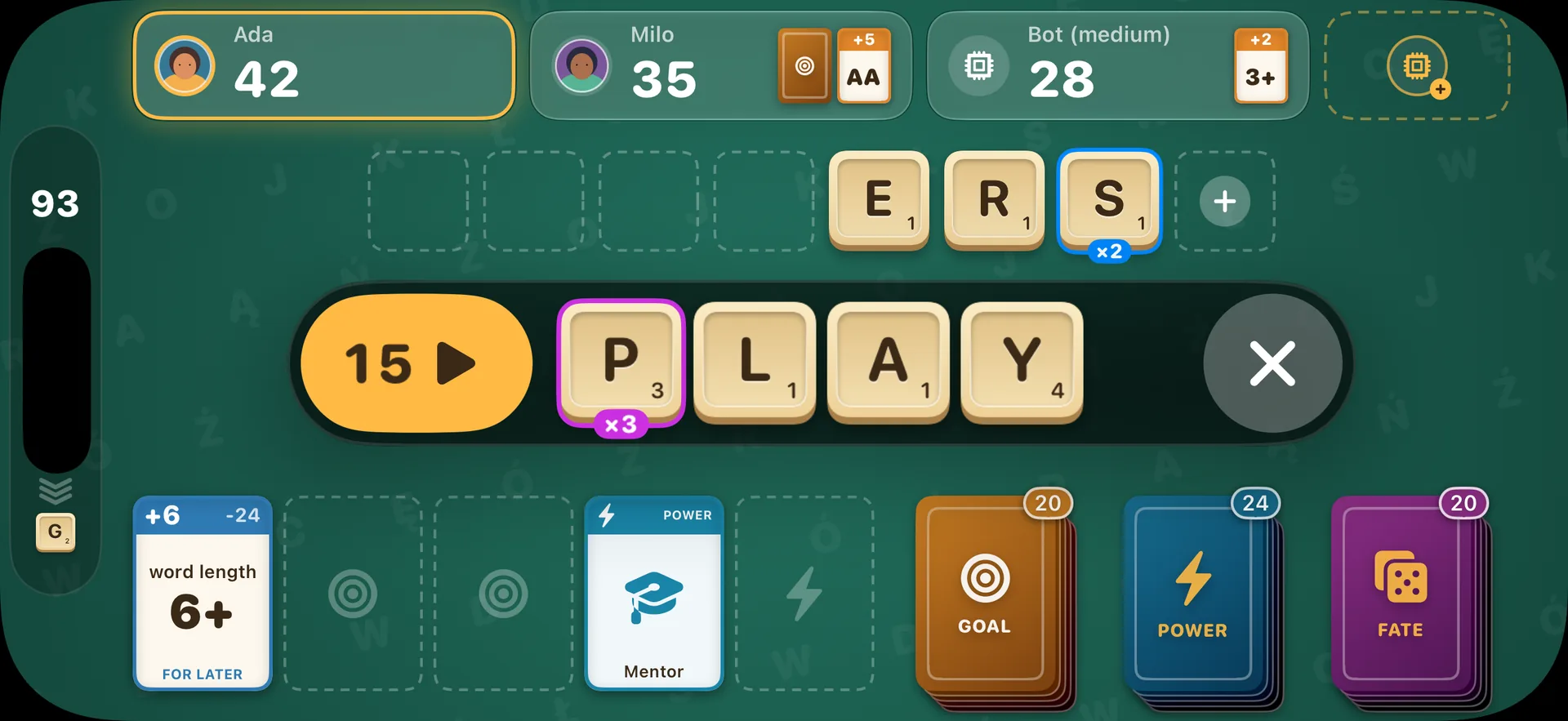
    7 face-up letters lie on the table, and they belong to everyone. Every player builds words from the same tiles, and the number in a tile's corner is its points.

  2. Your turn

    Draw a letter, swap a tile or take a card, then build a word. ×2 and ×3 spots raise your score, and a word that clears the whole table earns a bonus.

  3. What you leave behind

    After a word, the table is topped up from the bag. What counts is not only how much you score, but also what you leave for the next player.

Version history

What changed in each version of Wordjack. The newest, 1.8, adds the Duel and an Apple Watch app.

  1. Version 1.8 Waiting for review

    A new Duel add-on, Hard words for several players and Wordjack on Apple Watch. This version is waiting for App Store review.

    • Wordjack on Apple Watch: the Daily Challenge and the word of the day on your wrist, in complications and in the Smart Stack.
    • New “Duel” add-on: no turns, everyone plays at once from 12 shared letters. A letter you take is yours alone, so speed counts. Play against 1-3 bots or with other players over Wi-Fi.
    • The “Hard words” add-on now supports several players: play on one device, passing it around in turn, or over Wi-Fi on several devices.
    • Plus for a month: 3 days free for new subscribers.
    • When a new version is out, Wordjack shows what's changed and lets you update right away.
    • Fixes and improvements after a dropped connection in network games.
  2. Version 1.7

    • “Add-ons”: a new screen in the “Play” menu, starting with the first add-on, “Hard words” - word riddles made from your favorite words: you see the meaning, and on the table the shuffled letters you build the answer from. 10 riddles per match, optionally against the clock, and you can mix several dictionaries. More add-ons coming soon.
    • “Custom rules” - now found on the new “Add-ons” screen.
    • New “Random word of the day” widget: a new Polish word with its meaning every day. The existing widget is now called “Word of the day from favorites” and shows the base form of the saved word.
    • New “Week's Total” leaderboard - available from Monday, November 23.
  3. Version 1.6

    • Wordjack has arrived on Apple TV! On the Apple TV itself you play with the remote, solo or against a bot. Plus Table on TV.
    • Table on TV: choose “Show on TV” in the match menu and the table from your iPhone or iPad appears on the Apple TV, so the whole room can follow the game. Your phone then turns into a keypad of tiles laid out for your language.
    • The whole app, the Handbook, the widgets and the iMessage stickers speak all 7 languages (PL/DE/EN/FR/NL/ES/UA), in your device's language from the first launch.
    • Word of the day: the widget shows one word all day, laid out in tiles above its meaning.
    • On the Mac every screen now scales with the window, as the match already did.
    • A network match no longer waits for a player who left the app: when their time runs out, the game passes the turn on.
  4. Version 1.5

    • Game Center achievements: new rewards for words, wins and daily streaks. You'll find the list with points in the Handbook.
    • Spelling suggestions: after a word that isn't in the dictionary, you'll see up to three similar words with their meanings. You can turn them off in Settings.
    • Favorite words in play: a played favorite gets a gold star, and the match summary offers up to three new words with their meanings.
    • Word of the day: a new Plus widget that shows a different word from your favorites every day.
    • Daily Challenge in downloaded dictionaries too (Spanish, French, Dutch, Ukrainian), with their own leaderboards. Day's Total counts every dictionary.
    • A drawn Fate card and the deck counters no longer vanish after a quick tap.
  5. Version 1.4

    • Referral program: finish online or turn-based matches with 3 different Game Center players and get 30 days of Plus for free. See Settings and the Handbook for the rules.
    • Streak badges now sit next to player names.
    • Long Game Center names are no longer cut to 16 letters, including in History.
    • When iCloud storage is full, History and Statistics stop retrying uploads and show a red note. Matches are then saved on the device.
    • The network opponent search panel no longer covers player names.
  6. Version 1.3.1

    • Find turn-based opponents across iPhone, iPad, and Mac. The turn deadline no longer splits matchmaking into separate pools.
    • Open turn-based notices that are waiting for a player appear in Finish match. Expired notices free up a match slot.
    • The Noticeboard recognizes your notices on opening and reports a full match limit sooner.
    • The match list updates as soon as Game Center confirms a resignation.
  7. Version 1.3

    Monthly Plus, rematches and a new custom rule.

    • Plus is now also available as a monthly subscription, next to the one-time purchase.
    • Rematch: start a new turn-based match with the same players right from the result.
    • Custom rules: a new penalty for letters left on the table.
    • A streak from another Game Center account no longer shows up as yours.
    • When you come back to an online match, you now learn right away if the other player has left.
    • Scrolling panels show an arrow when there is more below.
    • Fixes and improvements.
  8. Version 1.2

    A big update: turn-based play, iMessage, widgets and new dictionaries.

    • Turn-based play. You don't have to play at the same moment. Make your move when you have time, and Game Center notifies the next player. 2 to 4 players, 24 hours, 48 hours or no limit per move, and after 6 hours of waiting you can remind a rival it's their turn.
    • Four new dictionaries. Polish, English and German are joined by Spanish, French, Dutch and Ukrainian. Download them for free in Settings, and anyone at the table without one can download it on the spot.
    • Widgets with Plus. The Daily Challenge, your streak, turn-based matches and the Noticeboard on your Home Screen, Lock Screen and Mac desktop.
    • Friends at your table. Invite Game Center friends or share a table link. The rules show right away, and a friend sits down with one tap.
    • Day's Total. The Daily Challenge gains a Day's Total, with archived leaderboards.
    • Smoother in every match. Several saved matches at once, typing words on a hardware keyboard, dragging tiles when exchanging, your own notification sounds, an app icon badge and more stable online play after a brief connection loss.
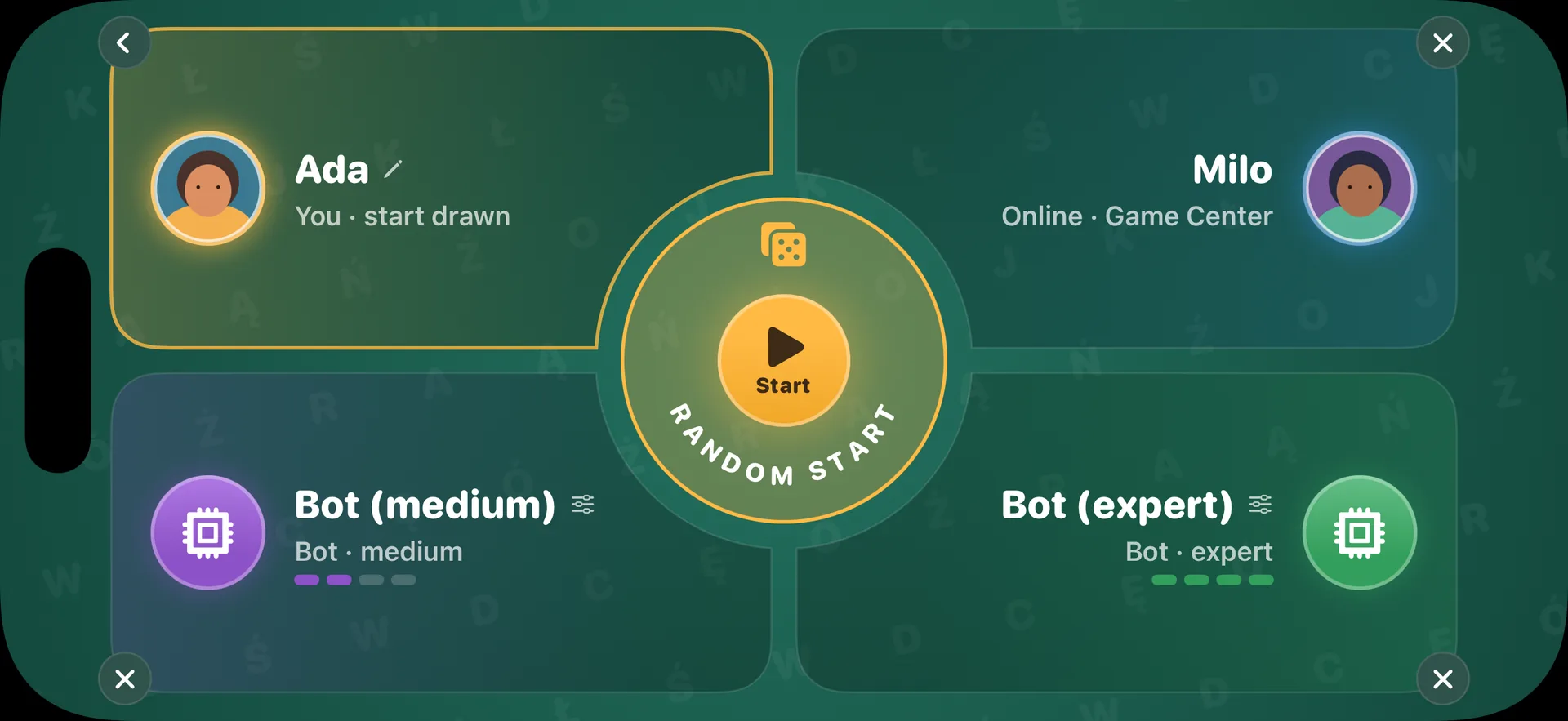
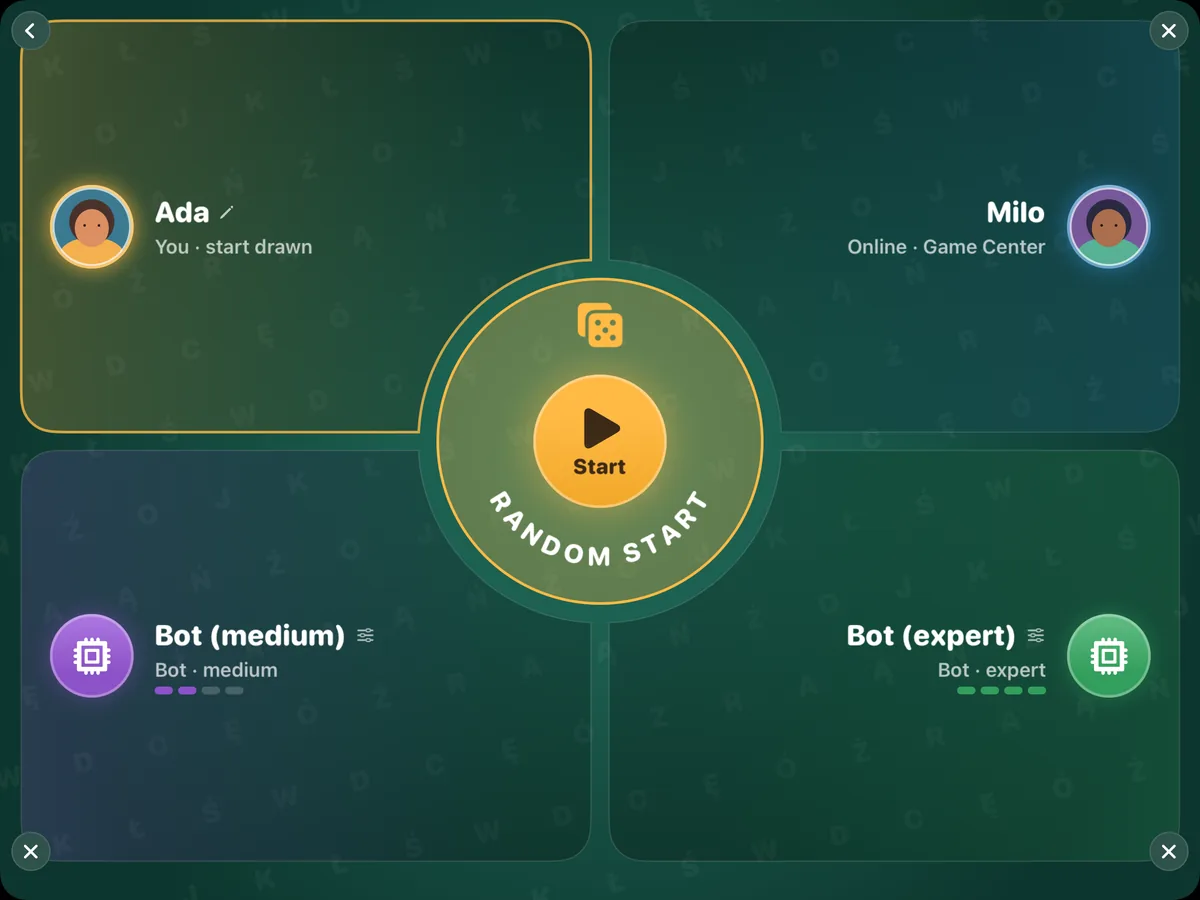
The players screen on iPad: people, bots and an online seat

Your table, your game

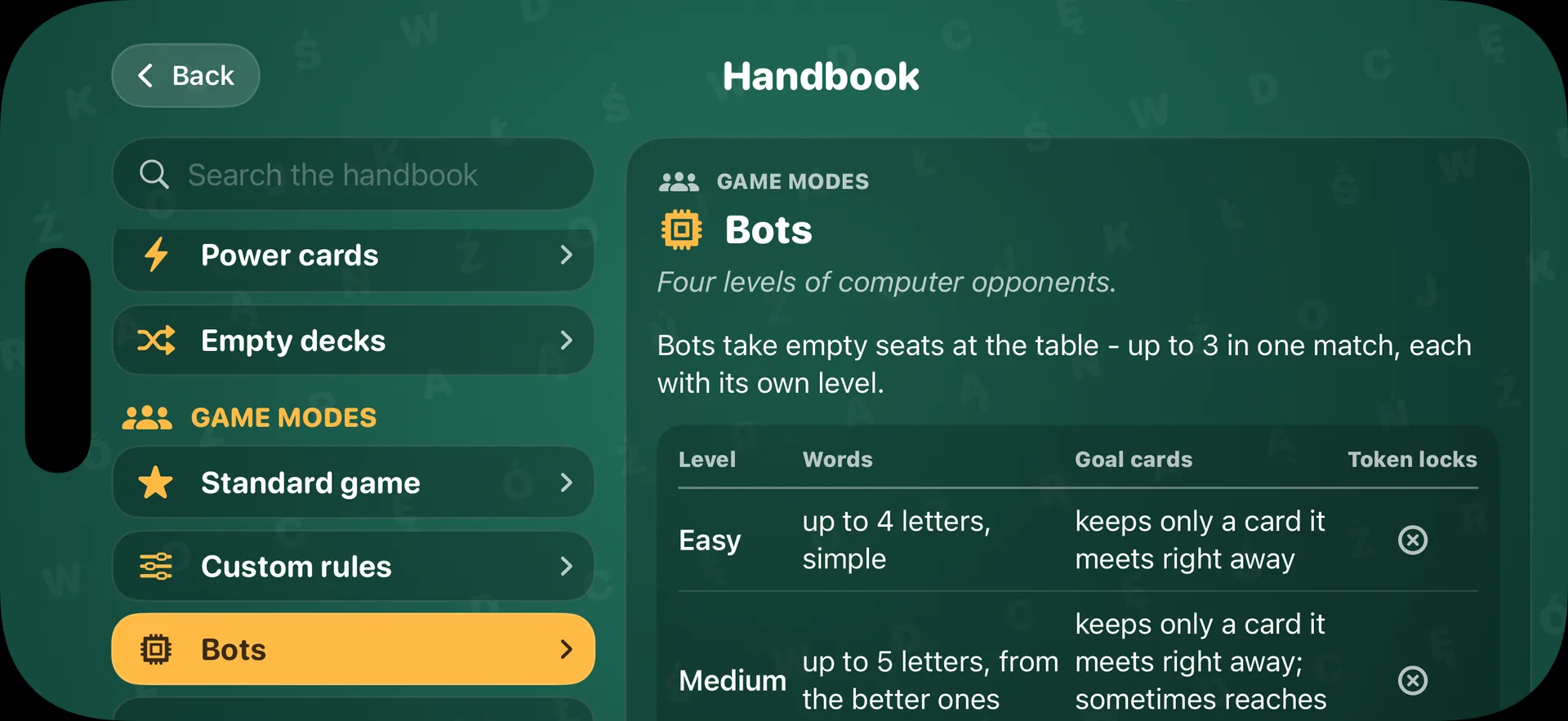
From a quiet solo game to a four-player match. Play on one device, over a local network, online with Game Center or turn-based, each at your own pace. Bots can join the table too: four difficulty levels, each bot with its own. Add-ons bring the Duel, where everyone plays at once, and Hard words - riddles made from your favorite words.
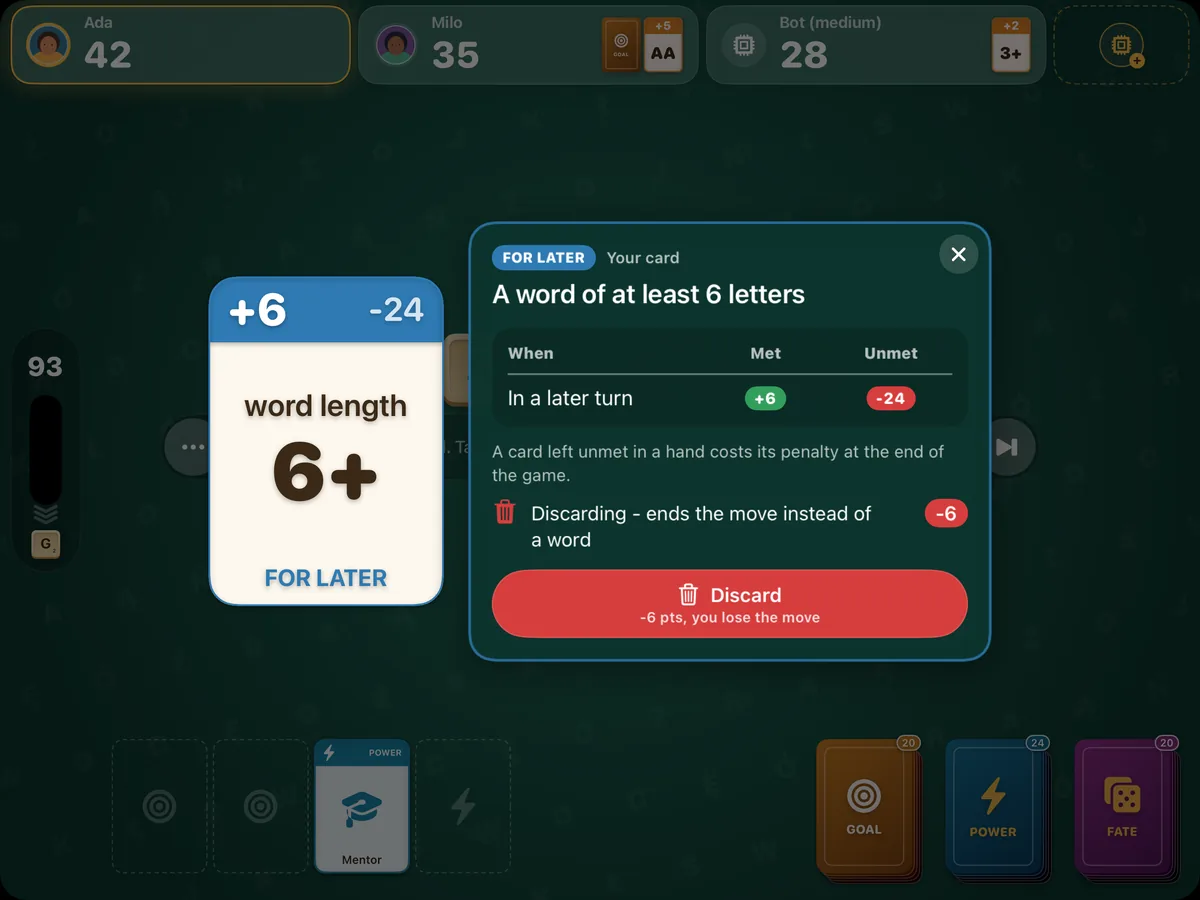
An enlarged goal card above the table on iPad

More than words

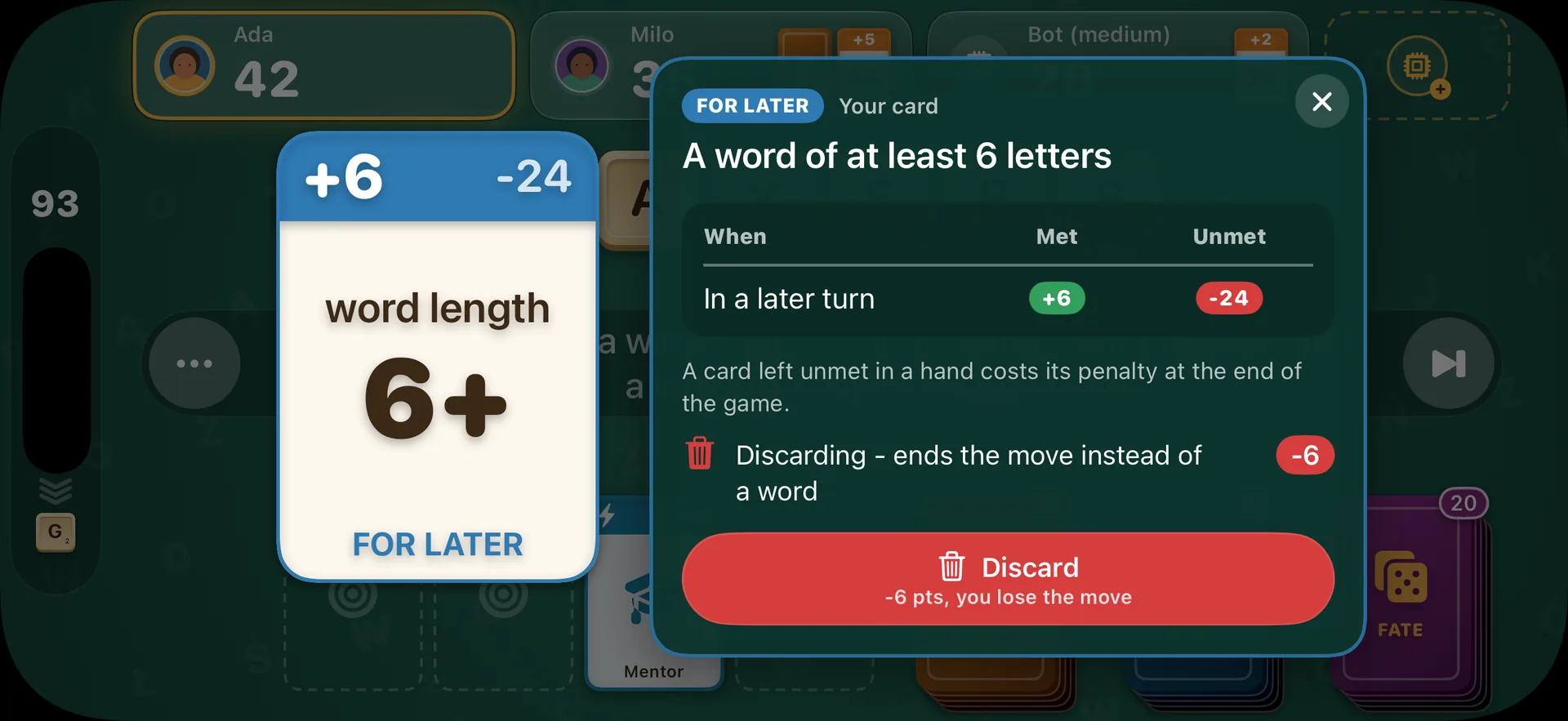
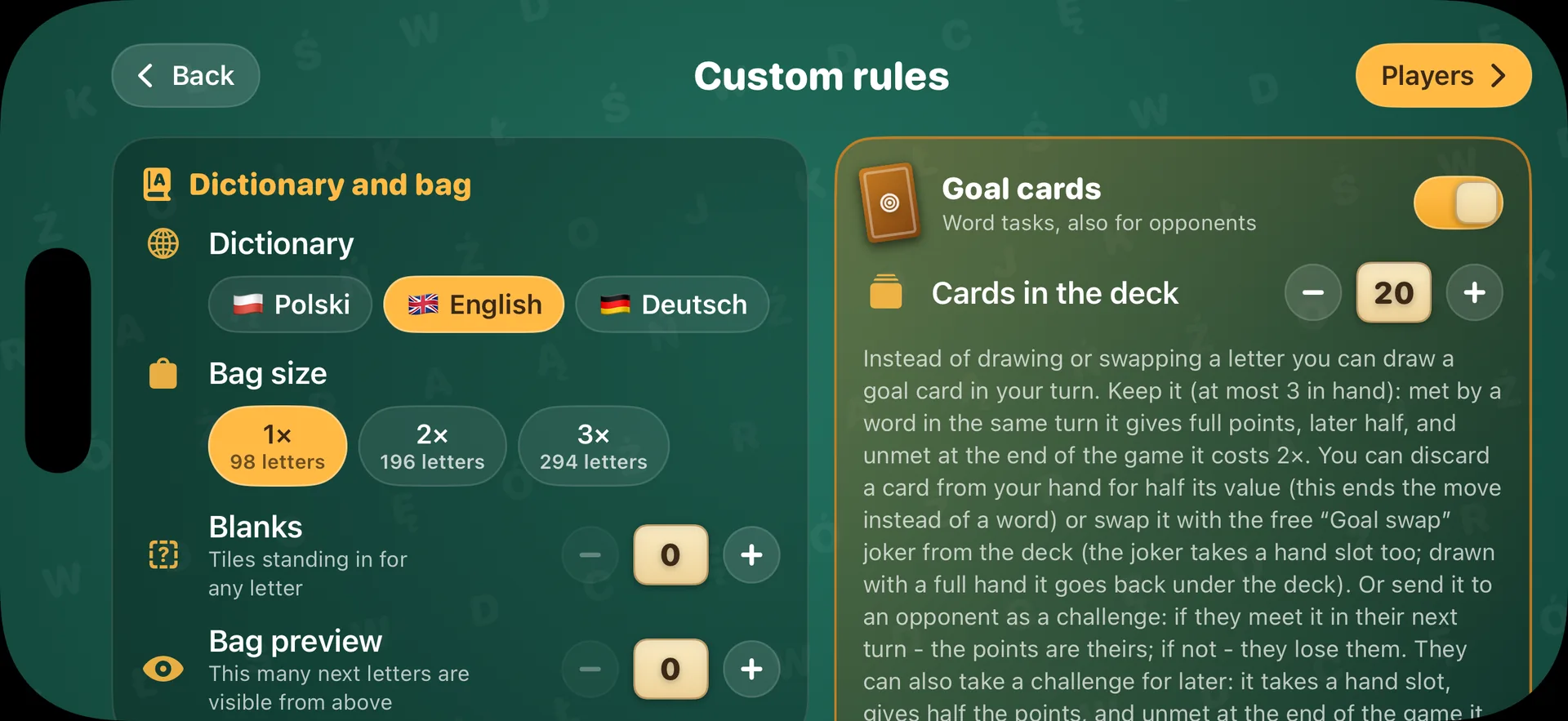
Three card decks change the course of a match. Choose a standard game or customize the rules with blanks, a word-length multiplier and a turn timer.

  • GoalWord tasks for extra points. Keep a card or send it to an opponent as a challenge.
  • FateA chance at double or triple word scores, treasure or fresh letters. Beware of taxes and frozen vowels.
  • PowerCards for the right moment: Mentor suggests a strong word, and Chameleon creates a blank.
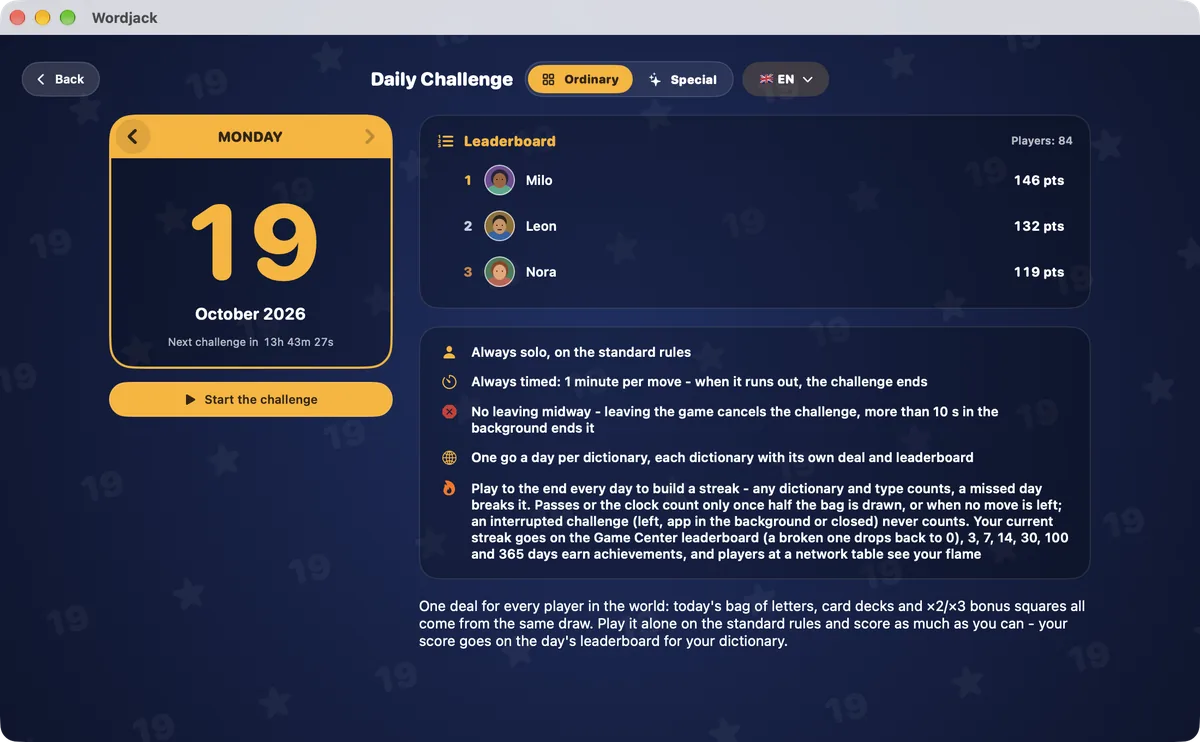
The Daily Challenge screen with a calendar and a leaderboard on Mac

A fresh challenge every day

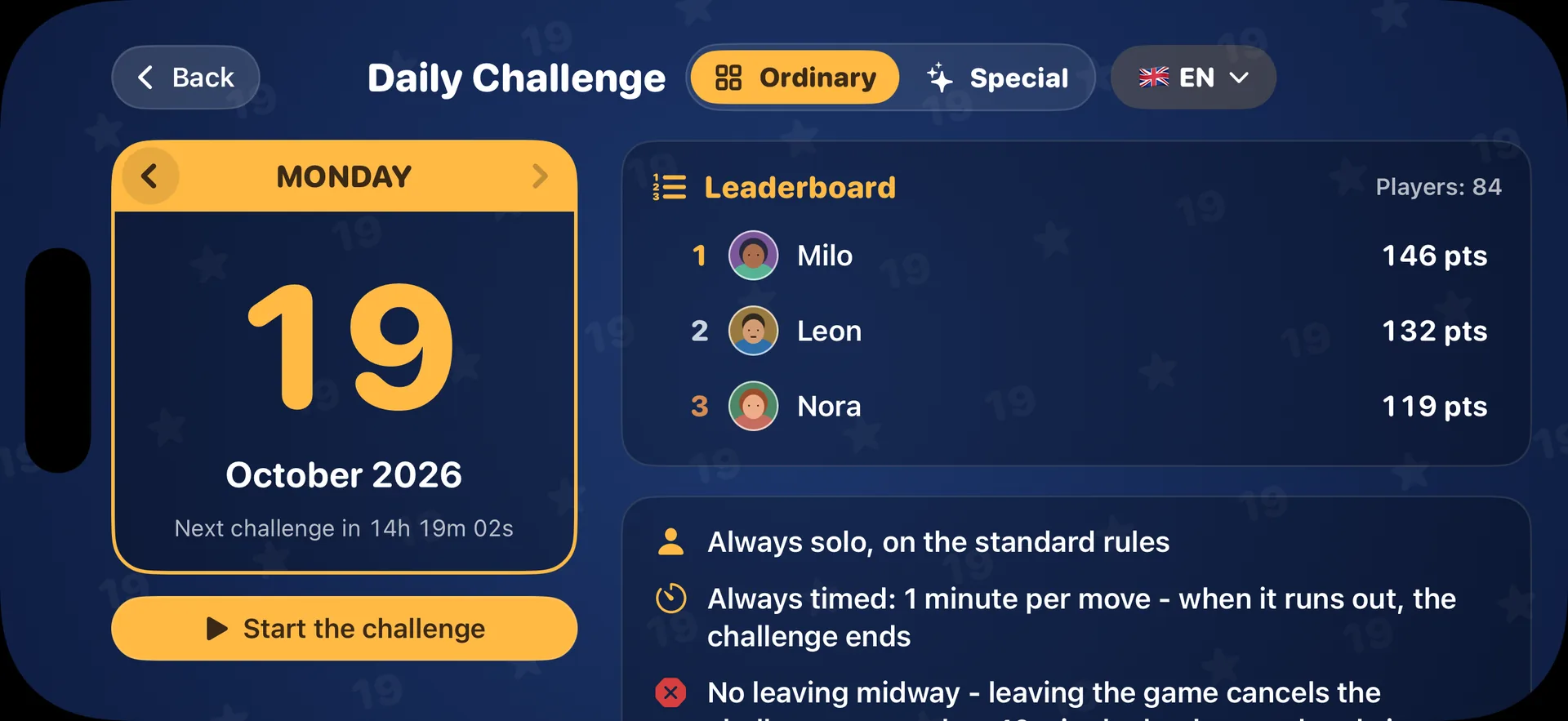
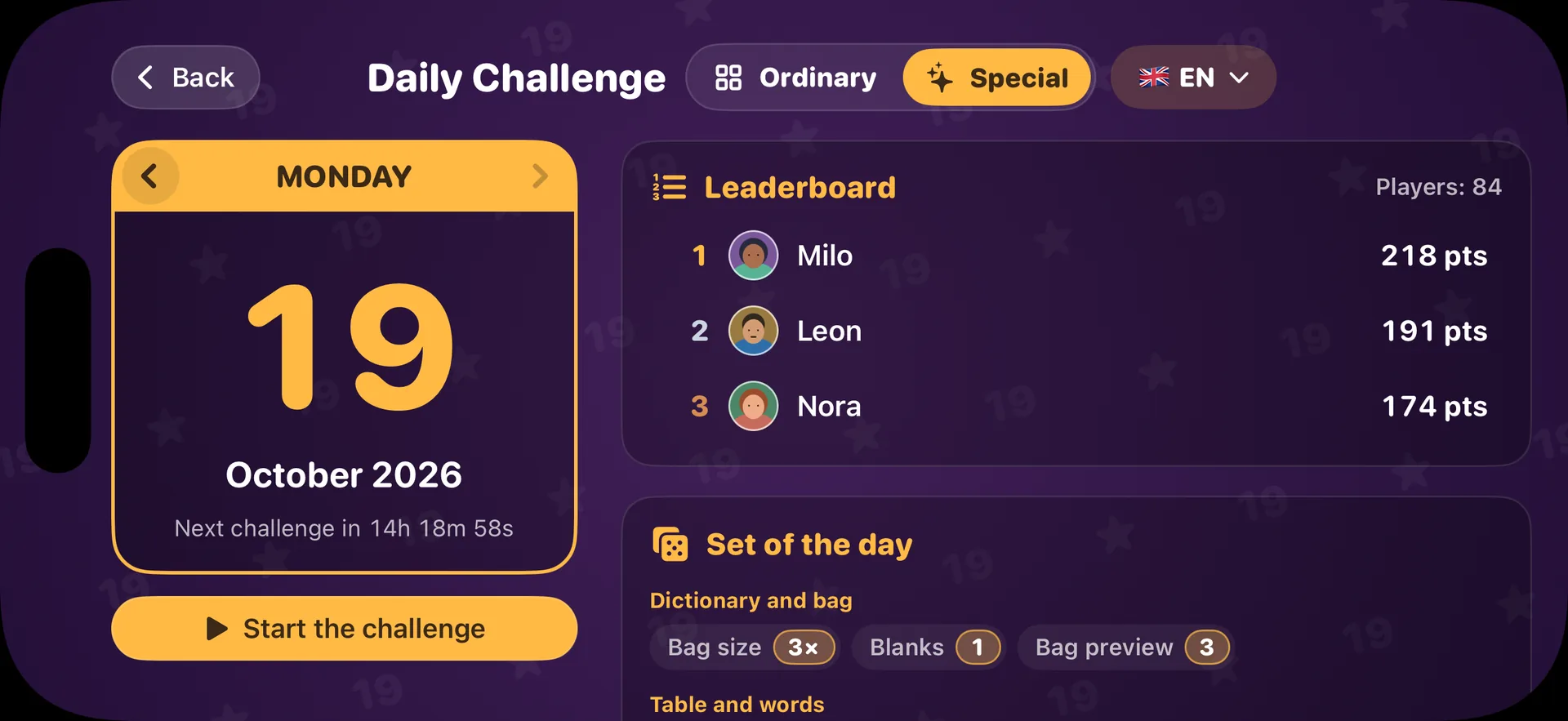
A new deal each day, the same for all players of a dictionary, in each of the seven dictionaries. You get one attempt a day: build your streak, add to your Day's Total and compare results on Game Center leaderboards.

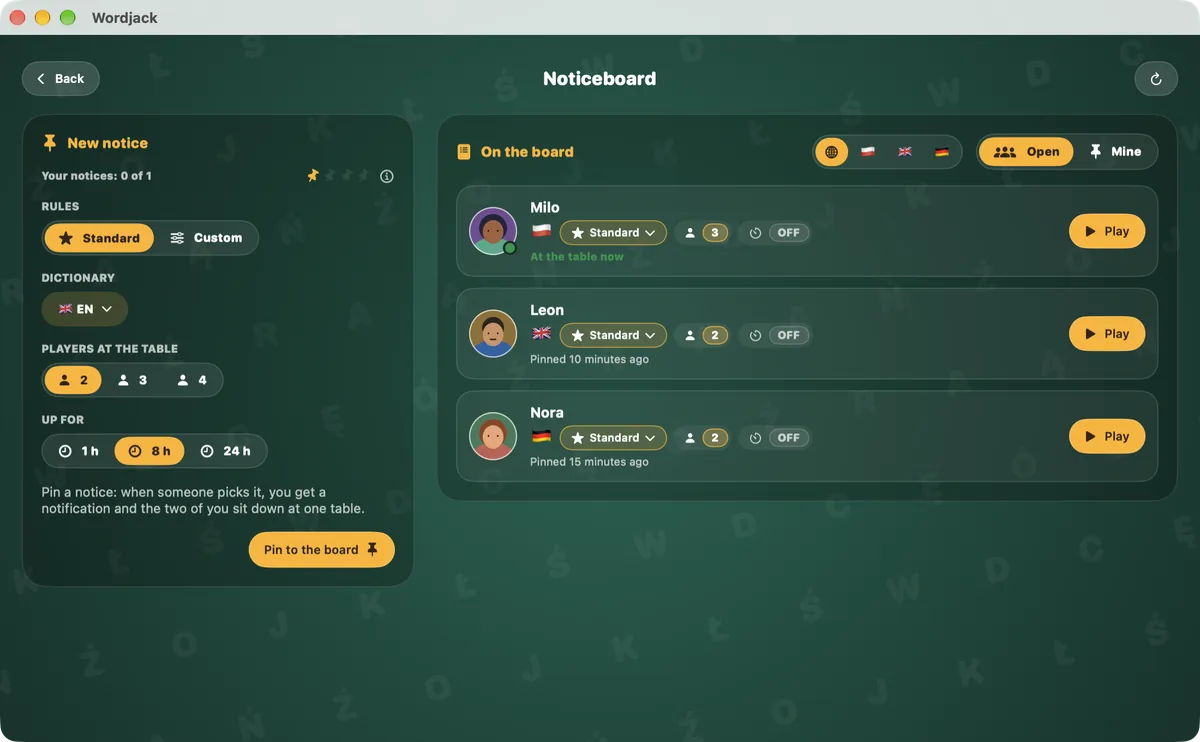
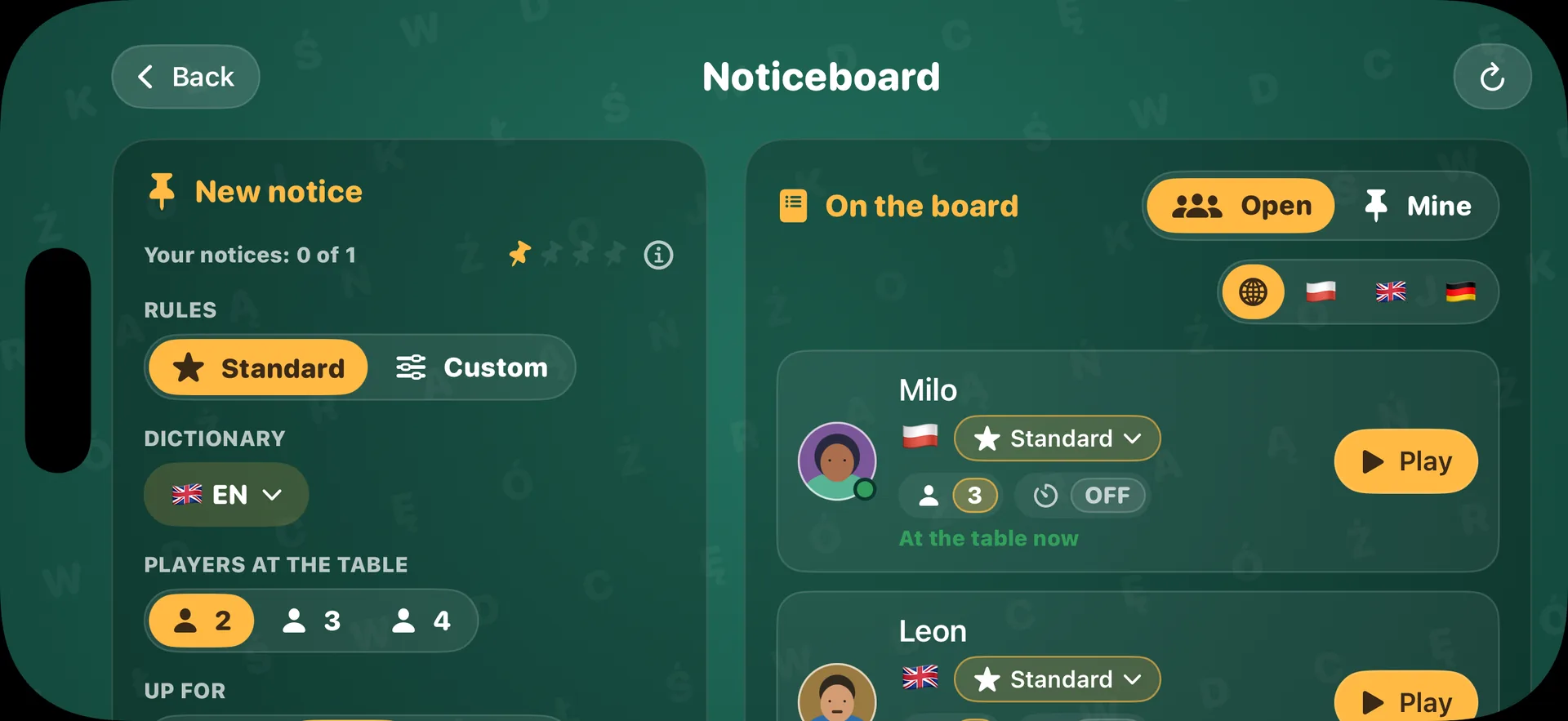
The Noticeboard with players' notices on Mac

Find players. Discover words.

Use the Noticeboard to find people for a live or turn-based game, with your chosen dictionary and rules. You can also share a table by link. Look up meanings, save favorite words and revisit your match history.

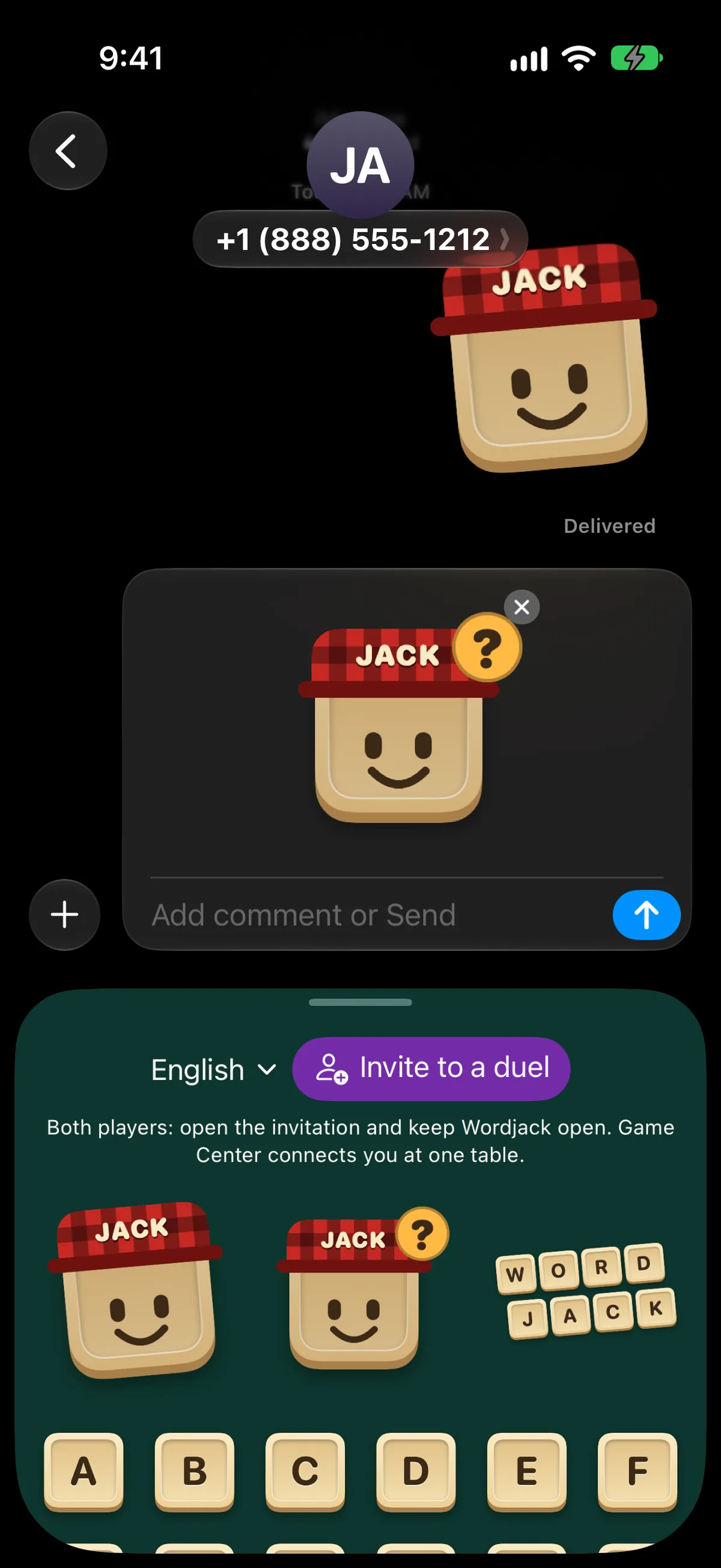
Messages on an iPhone: a Jack sticker and the Wordjack panel with the Invite to a duel button

Play right from the chat

On iPhone and iPad, send iMessage stickers with Jack and letters, and invite someone to a duel from the conversation. You both open the same invitation, and Game Center connects you at one table.

See a match in motion

30 seconds of play: words, cards, Jack's help and a challenge sent to a rival.

Free to play, even more with Plus

Wordjack is free to play: the standard game for two (with a bot, on one device, in the local network or online), all dictionaries, iMessage stickers and duels, the tutorial, the Handbook and Jack.

Plus unlocks the rest: as a monthly subscription or a one-time purchase that's yours forever. You can join a Plus host's table without buying anything. New subscribers get 3 days free.

Compare Free and Plus
FreePlus
Players at a table1-21-4
Add-ons: Custom rules, Duel, Hard words✕✓
Daily ChallengeOrdinary+ Special
Noticeboard notice2 players, up to 8 h2-4 players, up to 24 h
Pin back after a matchNext dayRight away
Private table✕✓
Spectator mode✕✓
Streak freeze✕Once every 7 days
Challenge archive✕✓
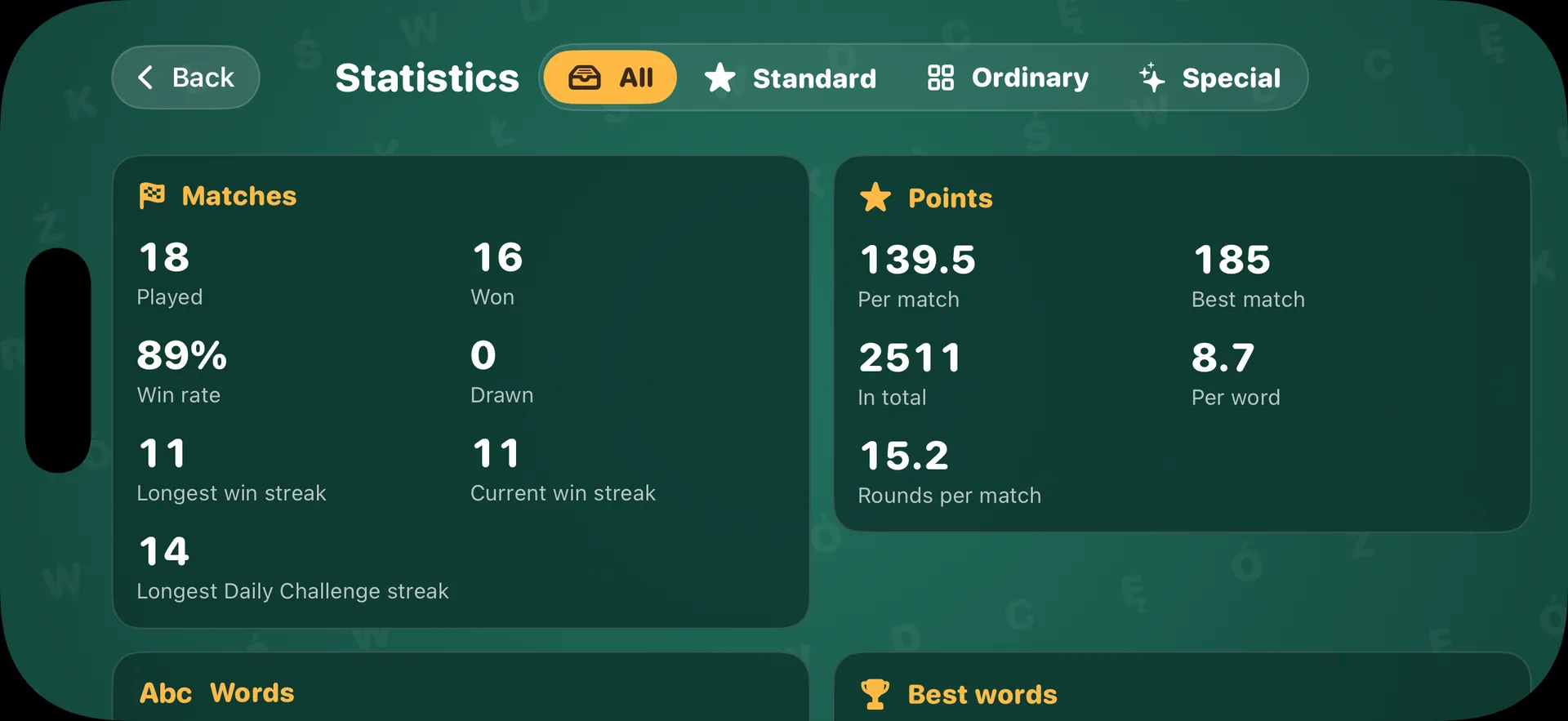
Statistics✕✓
Match historyLast 5Last 100
Turn-based matches at once1No limit
Taunts513
Widgets (Home Screen and Lock Screen)✕✓
Jack's cap (in the game, on the icon and in iMessage)StandardSpecial

Jack is waiting at the table

Start your first match right away, no account needed.

Download on the App Store